No complex setup or lengthy manuals — just what a service business needs to run its day
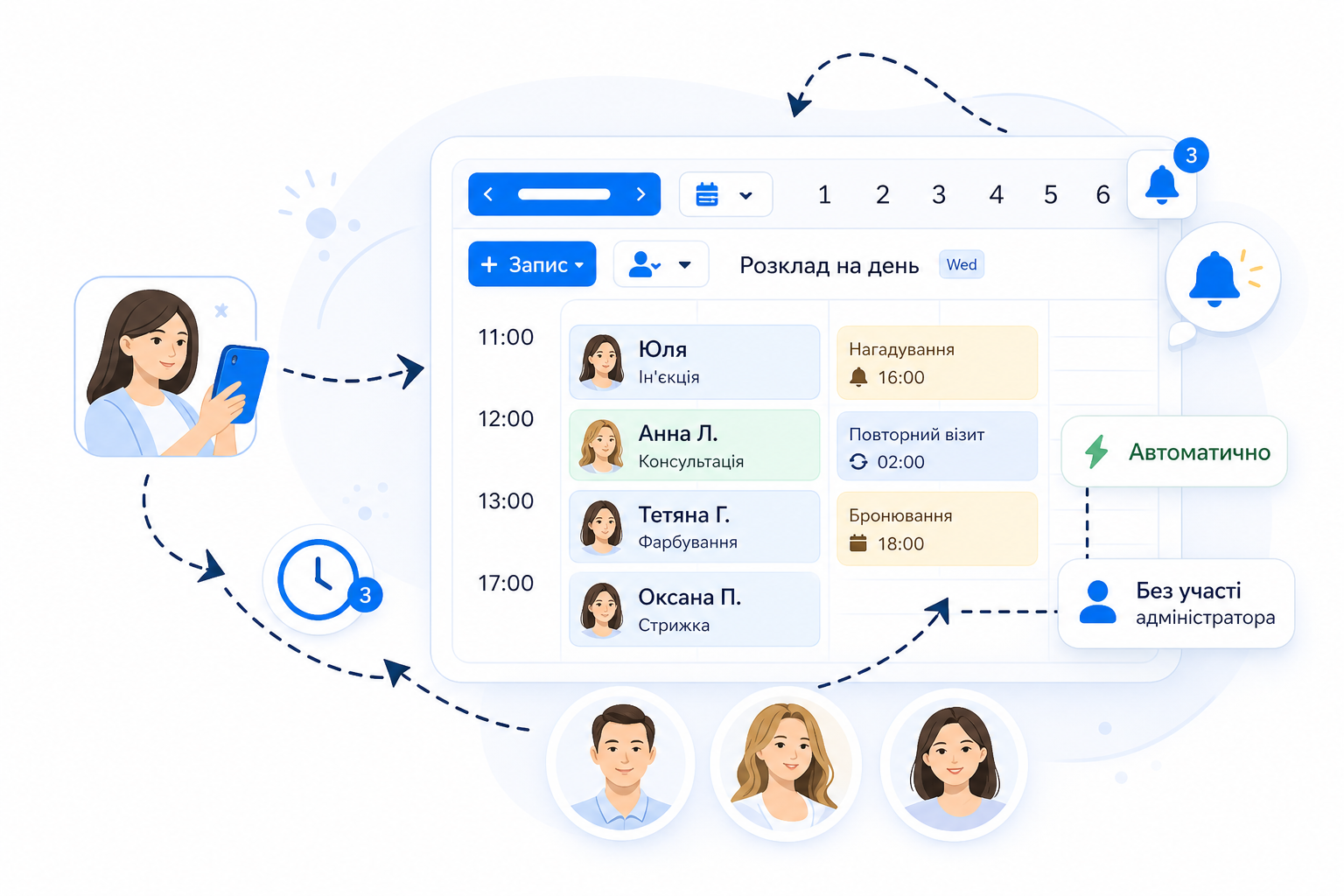
24/7 online booking
Clients choose a convenient time, service and specialist without involving an administrator.
Automatic calendar updates
Bookings, changes and cancellations appear instantly in the whole team's schedule.
One calendar for the whole team
Administrators and specialists work in the same context and see the current state of the day.
Rescheduling without confusion
Changing the time or specialist happens without overlaps or “lost” bookings.
Roxy Desk handles the scheduling logic so your calendar stays organized without manual work
A single client profile
Contacts, visits, services, notes and status — all in one place
Visit and service history
Every booking is saved automatically after the visit, with no manual entry
Client notes and preferences
Important information is available to the whole team on future visits
Quick access before a booking
Administrators and specialists see the full client picture in seconds
Roxy Desk keeps the full context of every client so your team knows who they're working with before the visit even starts
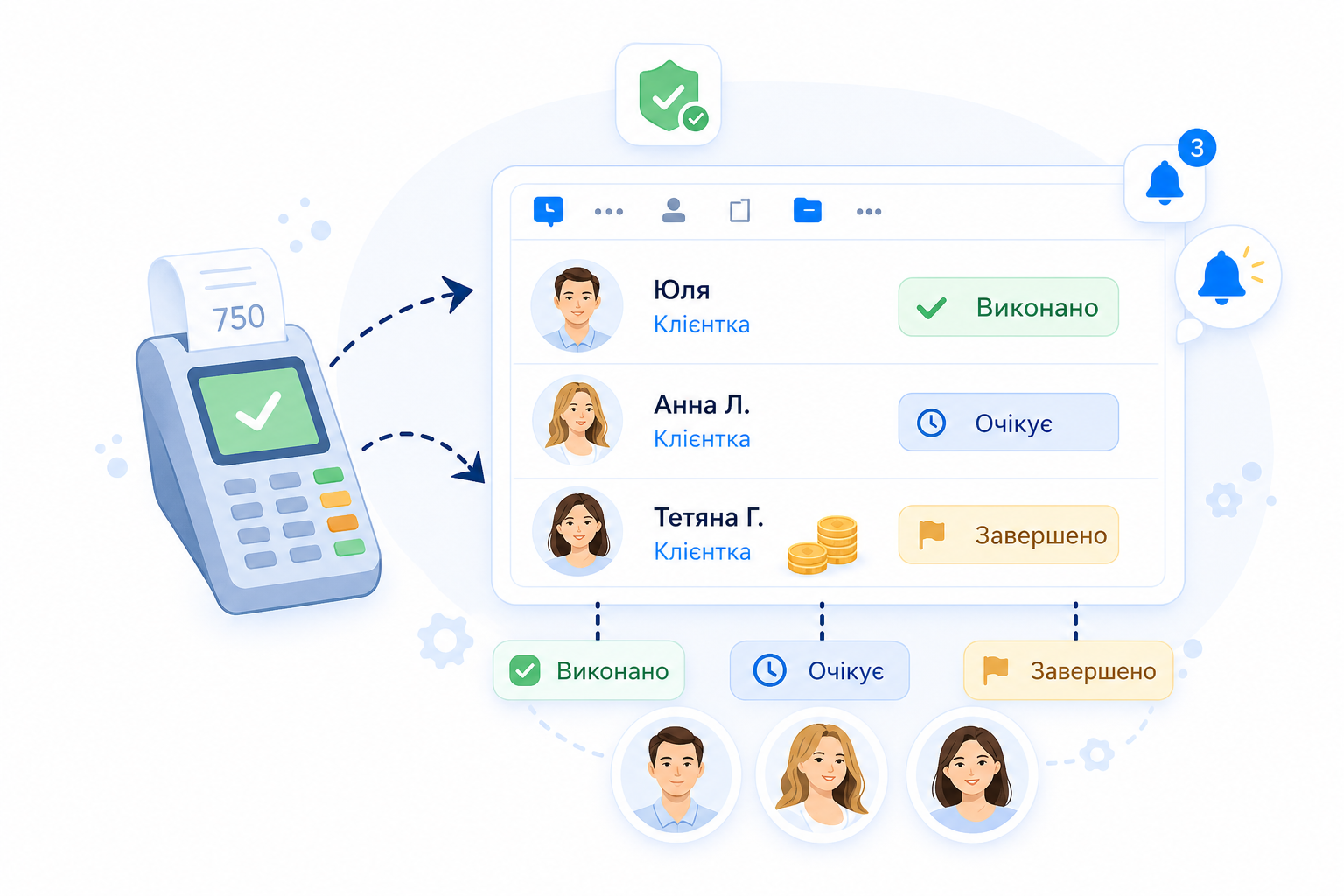
Visits close automatically after payment
Once payment is made, the visit is completed automatically — no manual confirmation needed
Clear statuses for the whole team
Administrators, specialists and owners see the current state: done, paid, completed
Fewer mistakes and “lost” visits
No more visits that happened but were never recorded or left open
The same workflow for every role
Everyone works with the same data, without double-checking or clarifications
Roxy Desk takes care of routine steps after each appointment so the system always reflects what's really happening
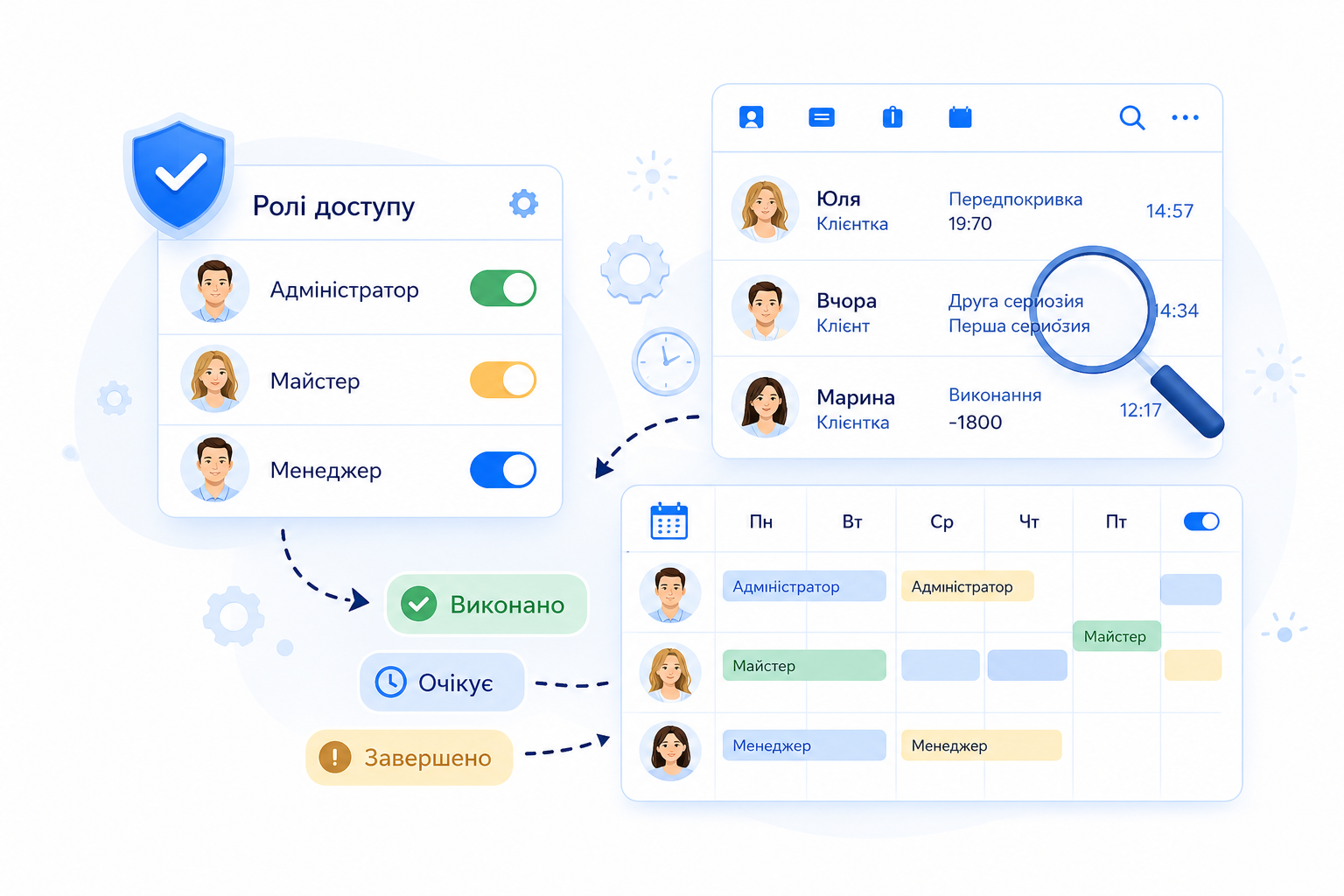
Flexible roles and access rights
Decide who sees what: administrators, specialists, managers. Everyone works only with the data they need for their tasks
Audit of changes and user actions
All changes to bookings, clients and payments are recorded in the history. You always see who made a change and when — for every user
Staff schedule control
Detailed setup of shifts, breaks, days off and substitutions. The system applies schedules automatically — no overlaps or confusion
A foundation for business growth
When processes are under control, it's easier to grow the team, open new directions and keep the same rules for everyone
Roxy Desk lets you flexibly manage user permissions, track every change in the system and set up staff schedules that match how your company really works
Answers to common questions from beauty salons, barbershops, nail studios, spas and other beauty businesses
Roxy Desk is suitable for beauty salons, barbershops, nail studios, brow and lash studios, spas, massage rooms, hair salons, tattoo studios and other services that need bookings, specialists, services and a client base.
Yes. Clients can choose a service, specialist and convenient time on their own, and bookings go into the team's schedule automatically without manual entry by the administrator.
Yes. In Roxy Desk you can keep separate schedules for each specialist and account for shifts, days off, breaks and each specialist's workload.
Yes. For each service you can set the duration, price and assigned specialists, so the client sees only available booking options.
Yes. The system stores client contacts, booking history, services, notes and important details that help the team handle repeat visits better.
Yes. Roxy Desk can be used for multiple branches, separate teams and schedules, with centralized control of bookings.
No. The basic setup can be launched quickly: create services, add specialists, set up schedules and open online booking for clients.