

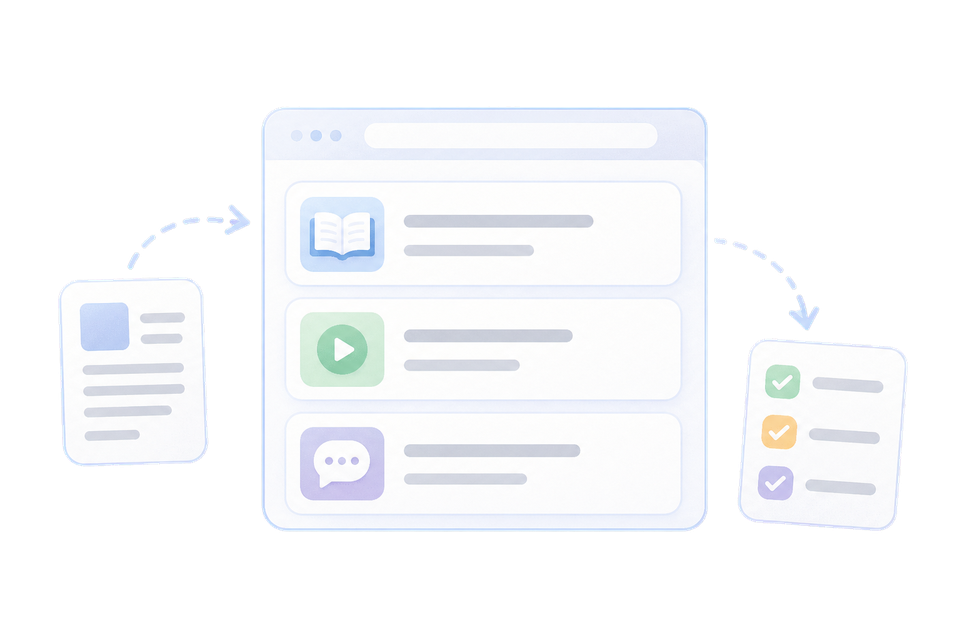



Online booking works best not as a standalone form on your website, but as part of a single process. The client picks a convenient time, the team sees the new visit right away, and the system takes care of confirmations and reminders.
Why automate booking
When an administrator handles every request manually, some of them inevitably get lost in messengers and missed calls. Online booking lets clients choose a service and time whenever it suits them, and gives the business structured data without re-entering it.
Build a clear client journey
Start with the simplest scenario: choosing a service, a specialist, a date and a time. Don't ask for extra details before the booking is confirmed. A name and a phone number are usually enough for the first step.
-
Service Add a clear name, duration and up-to-date price.
-
Specialist Show only the staff members who provide the selected service.
-
Time Display only truly available hours, taking breaks into account.
-
Confirmation Let the client know right away that the booking has been created.
Set up automatic reminders
One message after booking is not enough. The best scenario depends on your industry, but as a baseline, send a confirmation right away and a reminder the day before the visit.
A good reminder answers three questions: where to go, when the visit starts, and how to quickly reschedule or cancel.
Prepare your team for the new process
Explain to your staff where new bookings appear, who is responsible for changes, and what to do when a visit is rescheduled. Shared rules matter more than the number of settings: they prevent duplicates and confusion in the schedule.
Measure the results
After two to four weeks, compare the number of online bookings, no-shows and returning clients. This shows which steps already work and where clients or the team still need help.
Quick launch checklist
- Check your list of services, their durations and prices.
- Set working hours for each specialist.
- Create confirmations and reminders.
- Make a test booking as a client.
- Walk your team through the new workflow.

 Made in Ukraine