

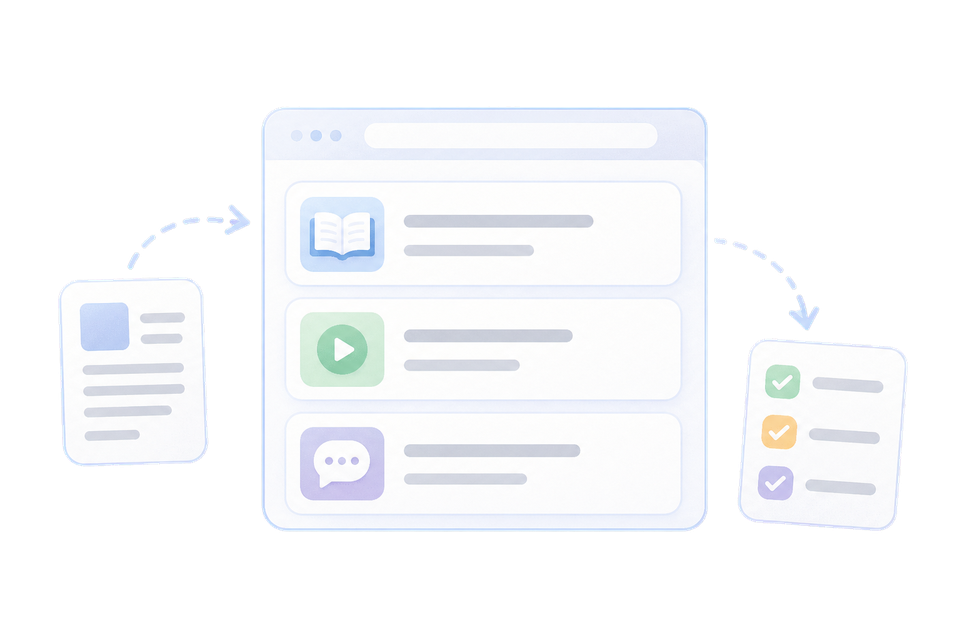

Online payment for services
Clients can pay for a booking or service through the familiar LiqPay payment flow.
Online payments for bookings and services, with quick payment confirmation in the service.

Clients can pay for a booking or service through the familiar LiqPay payment flow.
The payment status helps the team see faster that the payment went through.
Payments are easier to reconcile with bookings, services and client orders.
Add payment to online booking to reduce random reservations.
The client goes through a clear payment flow, and the team sees the current status.
Payment helps distinguish confirmed bookings from preliminary inquiries.
Reconcile bookings and payments in one workflow without extra spreadsheets.

An online booking link for the action button or description of your Facebook page.

An SMS channel for automatic reminders and regular client communication.

Telegram notifications for the administrator about new bookings, changes and work events.
SMS reminders about bookings, schedule changes and service messages.
Connect Roxy Desk so clients can book online and make a prepayment right away.

 Made in Ukraine
 English