


24/7 booking
Clients can book at a convenient time even when the administrator isn't answering calls or messages.
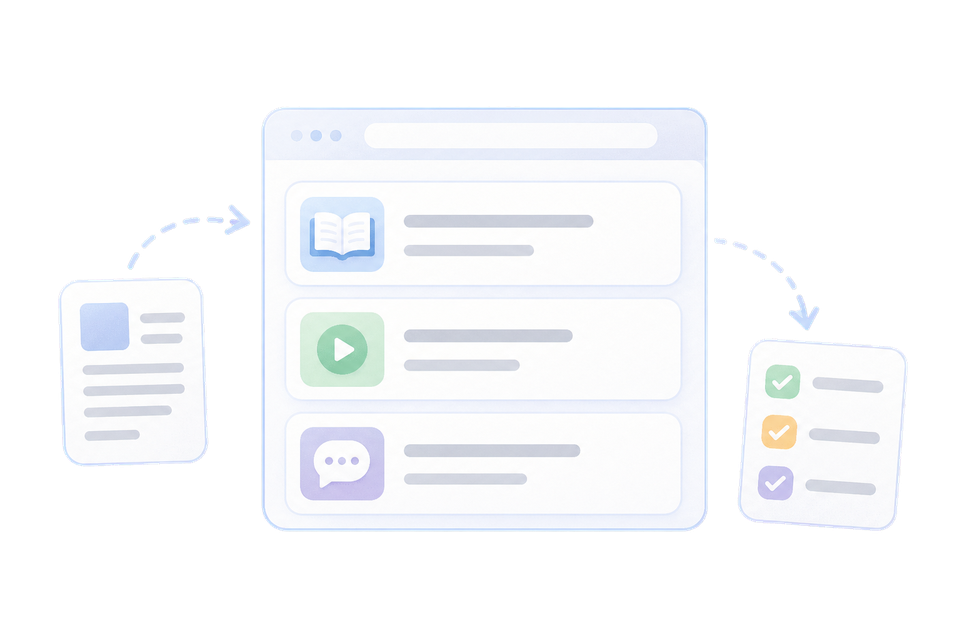
An online booking form for your website that sends requests straight to Roxy Desk.


Clients can book at a convenient time even when the administrator isn't answering calls or messages.
The client goes through choosing a service, specialist and time on their own, and the team works with a ready booking.
Requests from the widget go straight into the Roxy Desk workflow along with client information.
Add the booking form to key pages so clients can get to booking without extra steps.
Clients can book quickly from a smartphone when coming from ads, social media or search.
The widget shows available time based on the schedule, so the team doesn't confirm every slot manually.
Website bookings don't get lost in chats and forms — they immediately become part of the Roxy Desk workflow.

Client messages about bookings, statuses and operational updates.

Manage marketing tags without constant changes to your website code.

Analyze traffic, conversions and client behavior on booking pages.

An online booking link for your Instagram bio and stories.
Let clients book online at any time, and let your team work with ready bookings without manually copying requests.

 Made in Ukraine
 English